Isometric SF
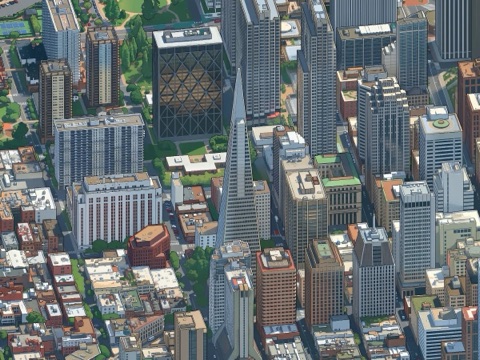 Downtown San Francisco ↗
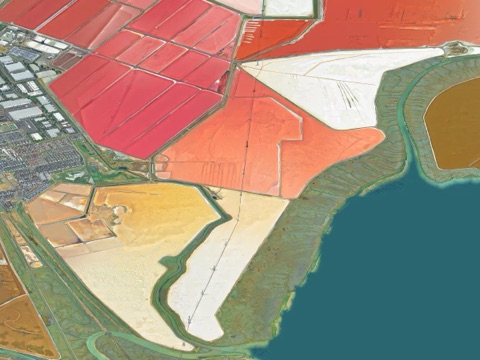 Salt ponds, Newark ↗
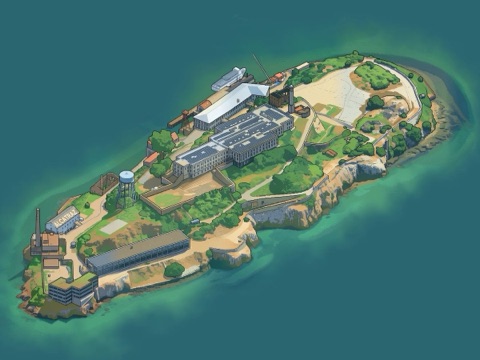 Alcatraz ↗
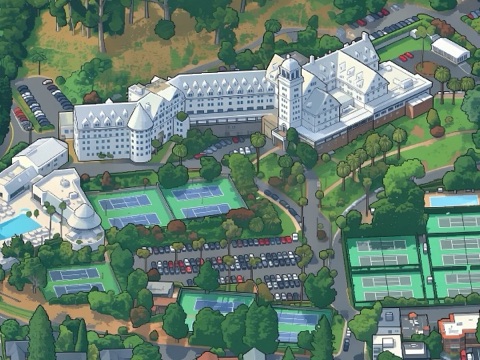 Claremont Hotel & Spa ↗
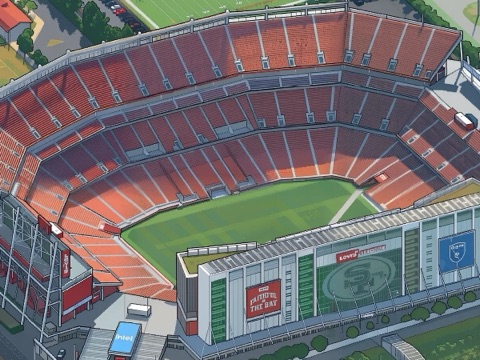 Levi's Stadium ↗
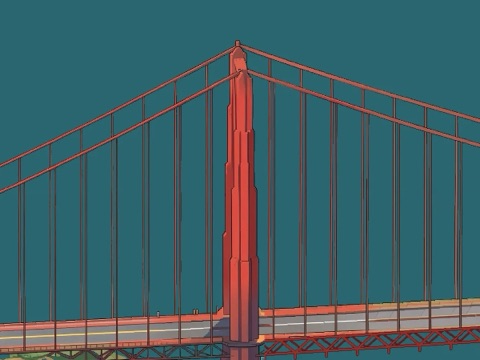 Golden Gate Bridge ↗
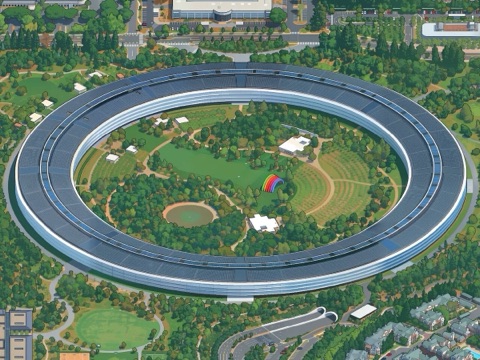 Apple Park ↗
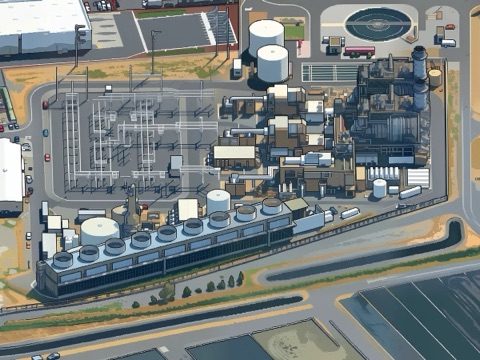 Russell City Energy Center ↗
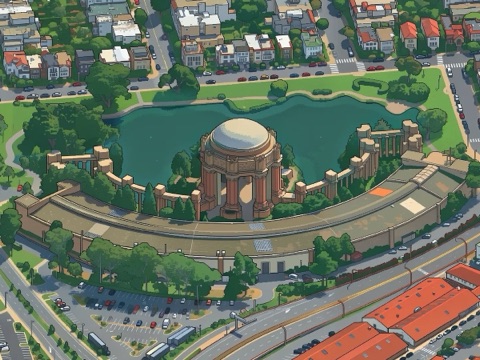 Palace of Fine Arts ↗
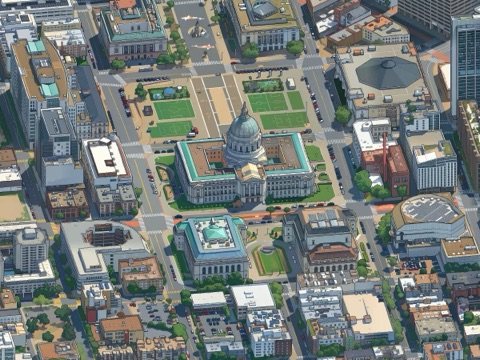 San Francisco City Hall ↗
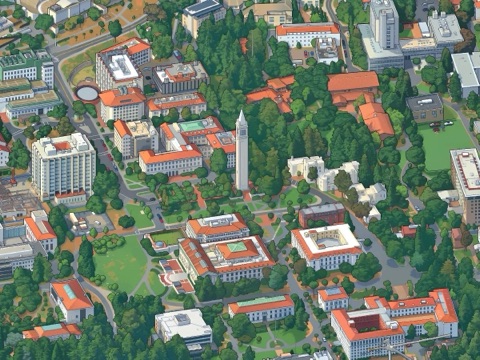 Sather Tower (the Campanile) ↗
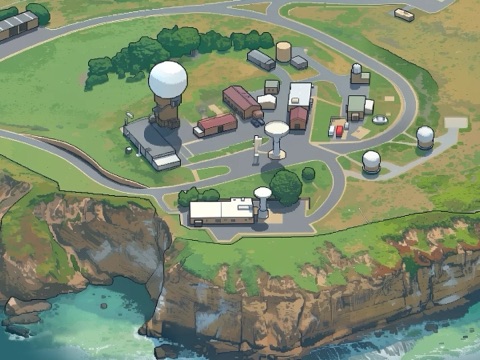 Pillar Point radar ↗
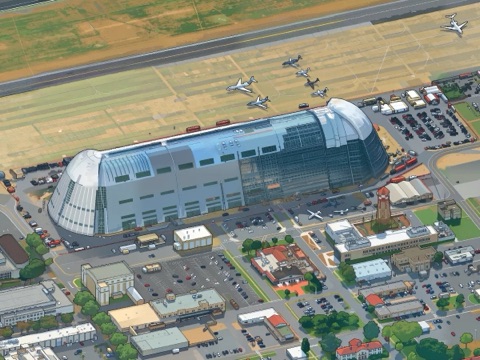 Hangar One ↗
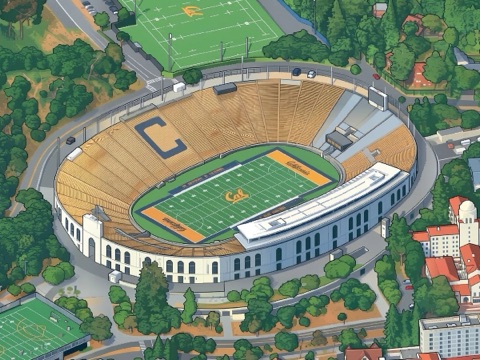 Cal Memorial Stadium ↗
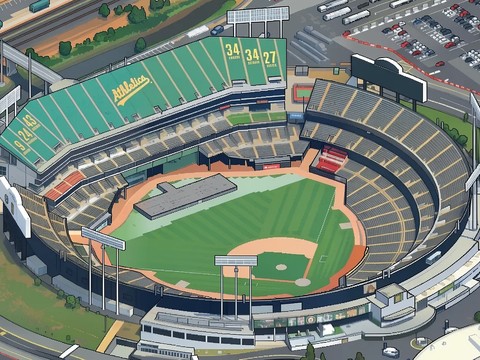 Oakland Coliseum ↗
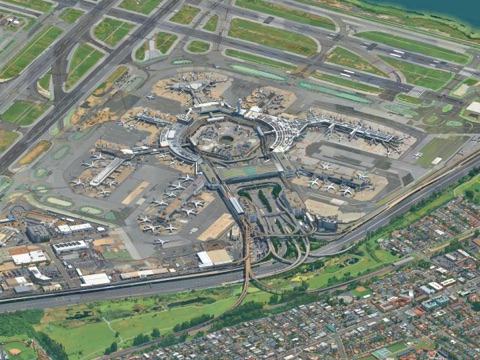 SFO ↗
Isometric SF is out, and I'm excited for people to see it. You can explore the map here.
What you can do
- Glide from the whole Bay down to a single building. Press H to come back out.
- Search a place, a town, a street address, or a latitude and longitude, and the map flies you there.
- Not sure where to go? Hit Surprise me (the dice, or R) and land somewhere like the USS Hornet, Apple Park, or the Winchester Mystery House.
- Found your spot? The yellow Share button makes a link to exactly what's on your screen, with an optional note. Keep it or send it to someone.
I've wanted this to exist ever since I saw Andy Coenen's Isometric NYC in January. It wasn't the one-shot I was hoping for, but nine months of frontier AI progress had abstracted away much of the work his write-up describes.
Coding agents wrote the code, took screenshots to check their own progress, and fixed what looked wrong. I came up with product ideas like the share button, caught edge cases like a bridge being drawn as water, and when the agents needed more compute, or more SSDs to hold all the data, I went and got them.
I keep catching myself drifting over the map, lingering on the parts of the Bay tied to core memories. First job interview. First apartment. First date. I sit back and take in how much of my life happened throughout this landscape, and how grateful I am for it.
And I am still being surprised. Like I had no idea the Stanford particle accelerator runs under the highway I used to commute on.
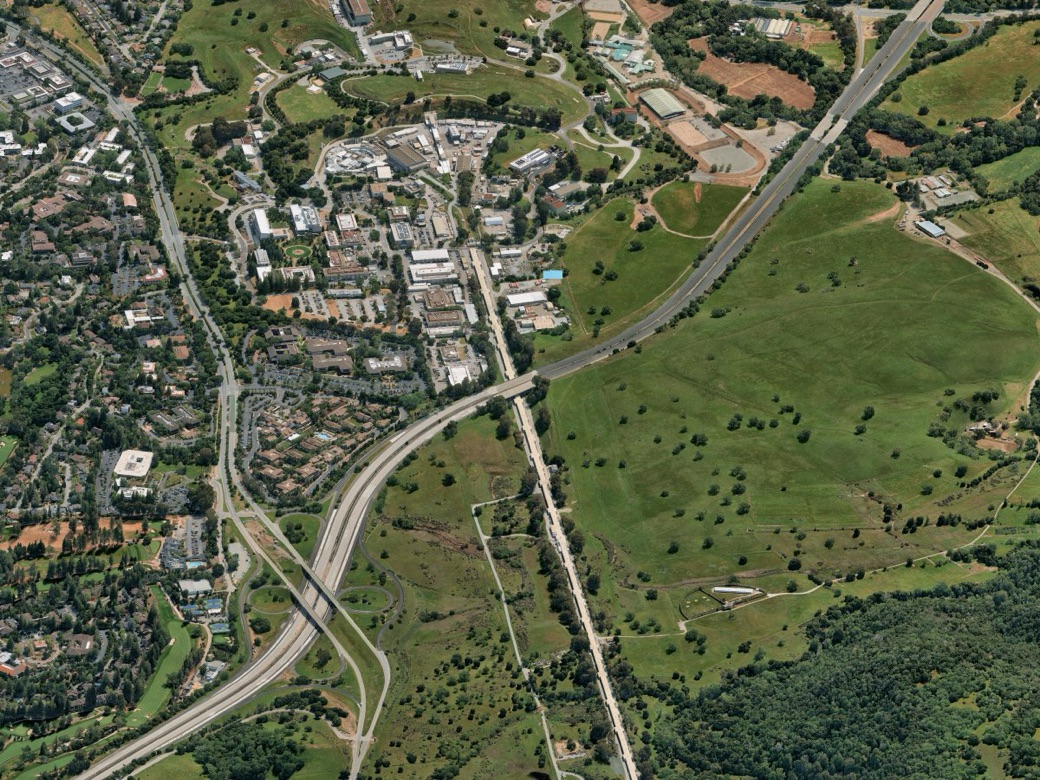
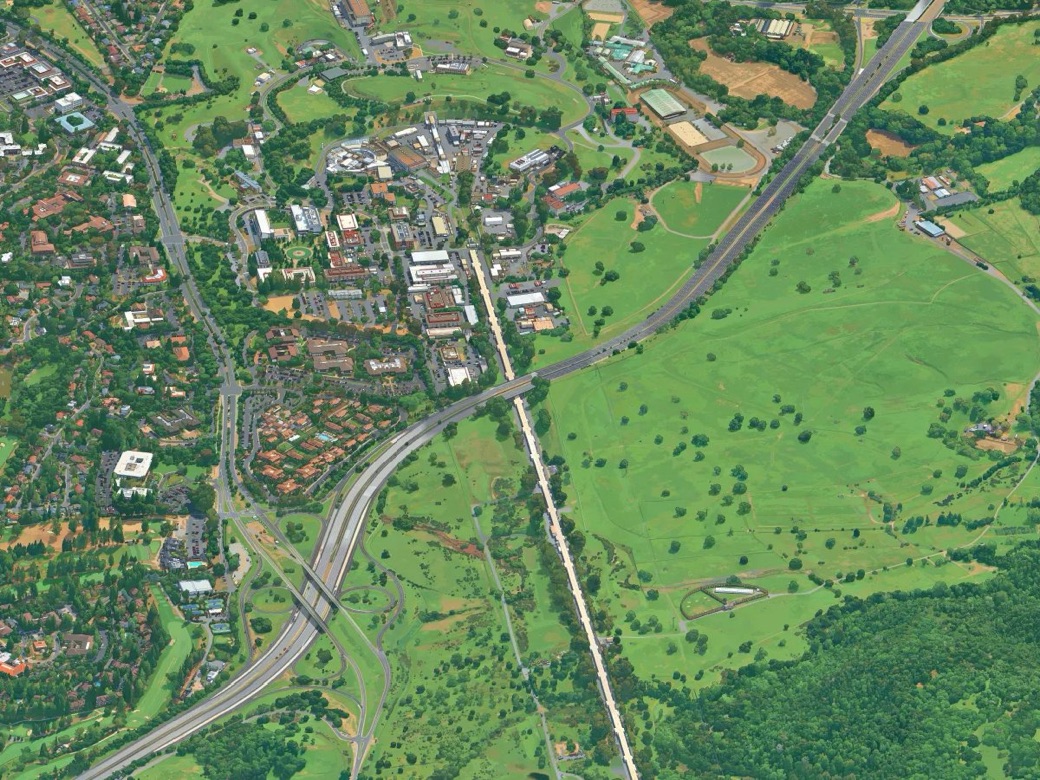
On Google Maps you'd never know. It looks like just another road.
I also had no idea we had a dam up in the Marin hills. On Google Maps it's hidden among the trees. From up here it stands right out.
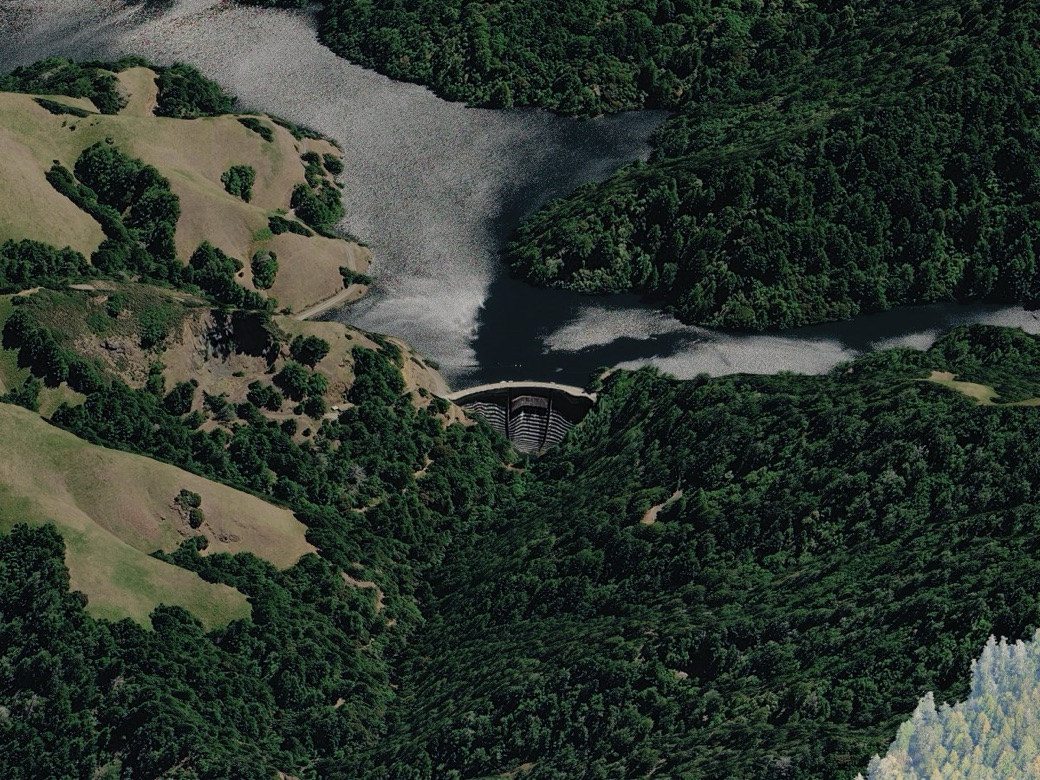
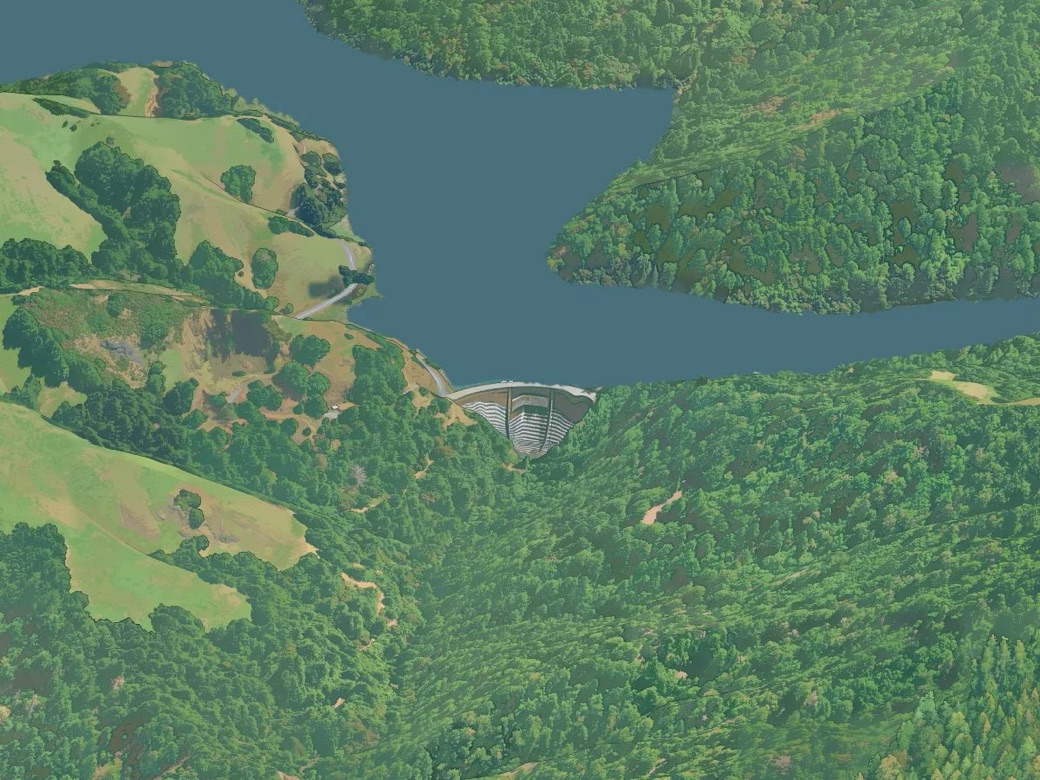
There's more up here than I can find on my own. If you find something cool, hit Share and send it to me.
Looking for my next thing, whether that's contracting, a job, or consulting. If you know a team that would want the person who made this, an intro would mean a lot. Also happy to chat if you're working on something cool. And if you've been thinking about where software developers fit as agents write more of the code, DM me. I'd like to hear your take.
justin.chavez22@gmail.com · Twitter · LinkedIn
Disclaimer: Above was largely written by myself with AI functioning for grammar. Below is the first pass at describing the technical details with LLMs. I plan to rewrite it by hand more extensively.
Subscribe to get the full technical write-up when it's out.
How it was made
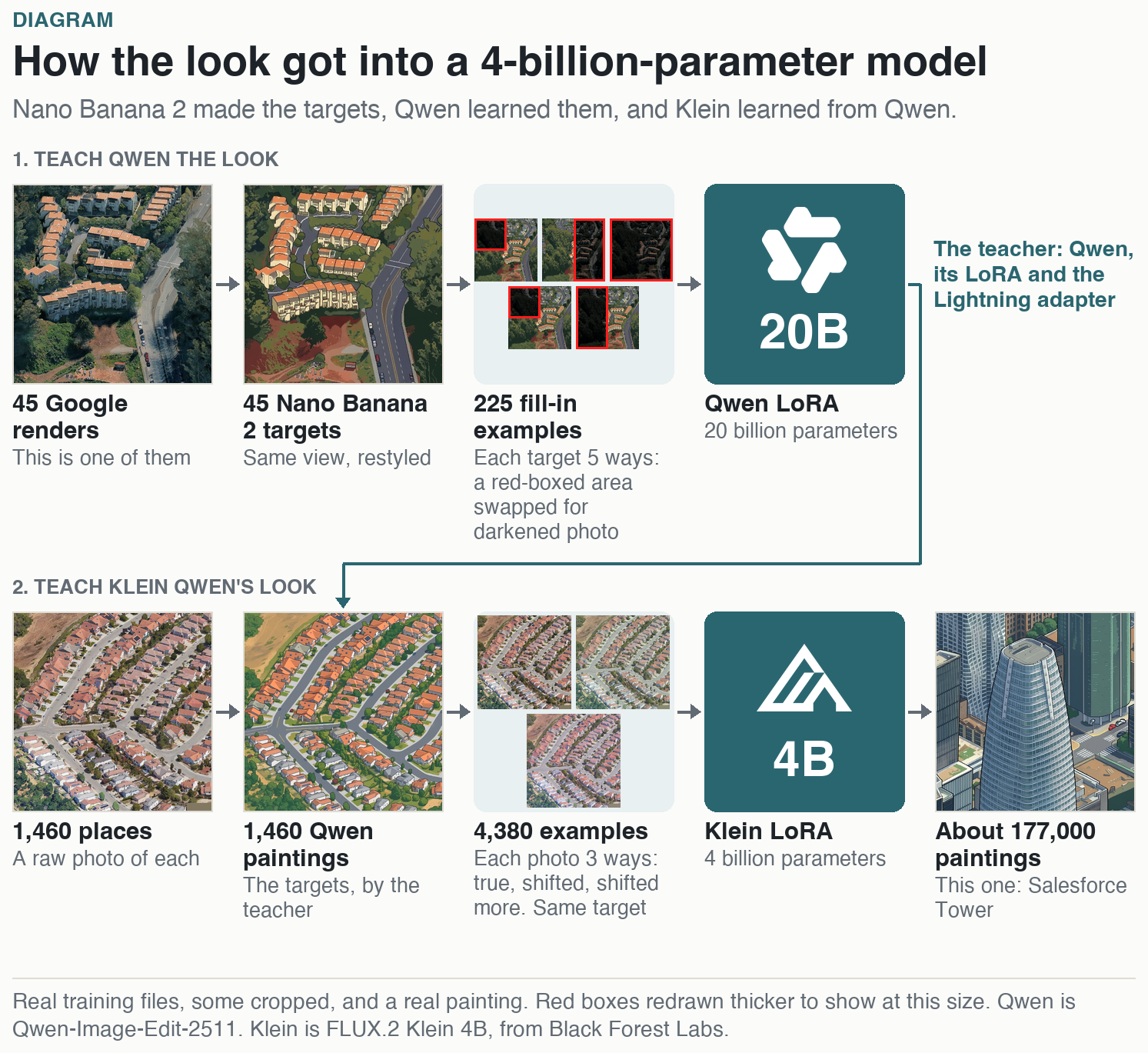
The top row teaches the look. I started with 45 Google renders, views of the Bay from the map's angle. Nano Banana 2 restyled each one as pixel art, in the same view, and those 45 images set the look of the map. Painting the whole map with Nano Banana 2 would have cost about $7,000, so I needed an open model I could train.
That model was Qwen-Image-Edit-2511, with 20 billion parameters. I trained a LoRA on it, a small add-on that teaches a model one style, using 225 fill-in examples. Each Nano Banana target was used 5 ways: a red-boxed area swapped for a darkened photo, which Qwen had to paint back.
The bottom row moves that look to a smaller model. Qwen, its LoRA and the Lightning adapter, which cuts it to 4 steps, became the teacher. It painted 1,460 places from raw photos, and those paintings became the targets for FLUX.2 Klein 4B, a model a fifth its size. Each photo went in 3 ways, in true color, shifted, and shifted more, always with the same target, to teach Klein not to copy Google's color quirks. That's the 4,380 examples.
Klein runs nearly 4 times faster than Qwen, which is what made painting the whole Bay affordable. You'd expect a model that small to lose the city. By my own measure, it kept buildings and roads in place a little better than its teacher. It went on to make about 177,000 paintings, like the Salesforce Tower at the end of the diagram.
Each painting is made alone, so neighbors disagree at the edges. Stitching them took two tricks. Only the middle of each painting is kept, and it fades into the next one across a thin band I call the hem. A color correction then evens out each painting against its neighbors, and the joins mostly disappear.
A more extensive write-up is coming, detailing the code fixes, evals, color corrections and seam addressing that were involved. Subscribe above to get it when it's out.
Thank you, Modal
The GPU hours
This map wouldn't exist without Modal. It took about 172 H100-hours from first test to final map, and I never waited on capacity. About 119 of those generated the map itself, roughly 177,000 images from a custom LoRA on FLUX.2 Klein, re-runs included. Training that LoRA took under 6 hours across four versions, and the first one finished in under an hour.
The agents
My coding agents ran all of it from the CLI:
modal runto launchmodal container listto watchmodal billing summaryto read the billmodal app stopto shut it down
A small guard script polled the bill and stopped the app at a set dollar amount, so they could run overnight while I slept.
The big speed-up: a queue
We kept six batches always in flight with .spawn() and a longer scaledown_window, so containers stayed warm instead of paying repeated cold starts. Three H100s went from 29 to about 68 images a minute at 1536 px.